
AI Product Ad Video Generator
Turn product photos into a cinematic commercial video — backgrounds removed, storyboard generated.
Overview
Turn a set of product photos into a finished commercial video. Upload up to 9 photos from different angles and the AI removes backgrounds, generates a cinematic multi-angle storyboard, and produces a polished ad video.
It compresses an entire production pipeline — cutout, art direction, storyboard and video generation — into a single automated workflow.
How it works
- 1
Upload product photos
Add up to 9 photos from different angles.
- 2
Name the product
Give the product a name so the AI can describe it accurately.
- 3
Choose duration
Select the length of the commercial video.
- 4
Generate
AI removes backgrounds, builds a storyboard, and renders the commercial.
What you can use it for
- ✦ Produce a product commercial without a video crew
- ✦ Turn catalog photos into social-ready ad videos
- ✦ Create multi-angle showcase videos for a launch
Product Ad Video FAQ
How do I make a product ad video with AI?
Upload up to 9 product photos, name the product, pick a duration, and generate. The AI removes backgrounds, builds a cinematic storyboard and renders the video.
How many photos can I upload?
Up to 9 product photos from different angles, which the AI uses to build a multi-angle storyboard.
What is the output?
A finished commercial-style video suitable for ads and social media.
Real example
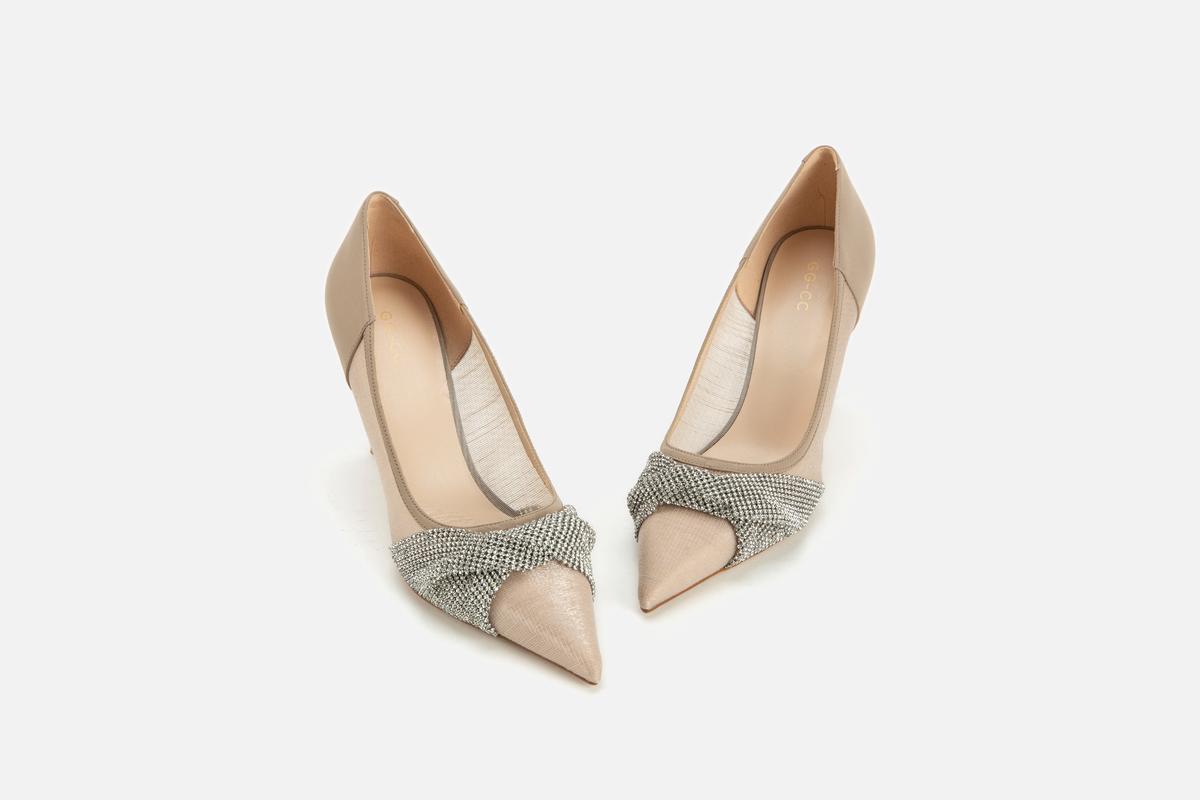
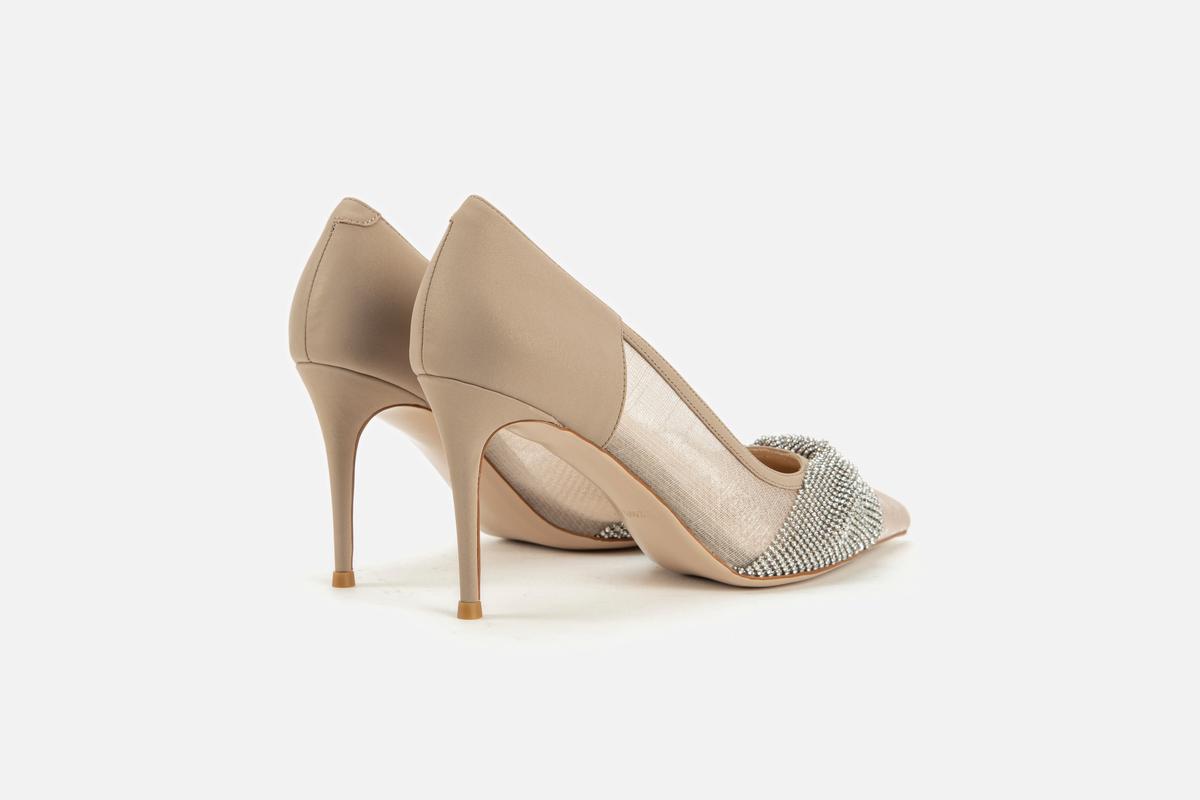
High heel product commercial
6 product photos from different angles, product name "High heel", 10s duration
Ready to try Product Ad Video?
Free to start — see the pricing page for credit details.
Models behind this tool
Multi-modal reference: up to 9 images, 3 videos, 3 audio tracks in one generation.
Cinematic output with native audio generation. Fixed durations: 4s, 6s, 8s.