
AI Background Remover
Remove the background from any image in one click — Basic or Pro quality.
Overview
Remove the background from any image automatically. Upload a photo and the AI isolates the subject and cuts out the background cleanly — no manual masking.
Choose Basic for fast, everyday cutouts, or Pro for high-quality edges suited to commercial product imagery.
How it works
- 1
Upload an image
Add the photo whose background you want removed.
- 2
Choose quality
Basic for fast general use, or Pro for high-quality commercial results.
- 3
Generate
AI returns the image with the background removed.
What you can use it for
- ✦ Cut out products for clean ecommerce listings
- ✦ Isolate subjects for thumbnails and graphics
- ✦ Prepare transparent assets for design work
Background Removal FAQ
How do I remove a background from an image?
Upload the image, choose Basic or Pro quality, and generate. The AI isolates the subject and removes the background automatically.
What is the difference between Basic and Pro?
Basic is fast and suited to general use; Pro produces higher-quality edges for commercial product imagery.
Can I use the result commercially?
Yes. Pro quality is intended for commercial product images and marketplace listings.
Real example

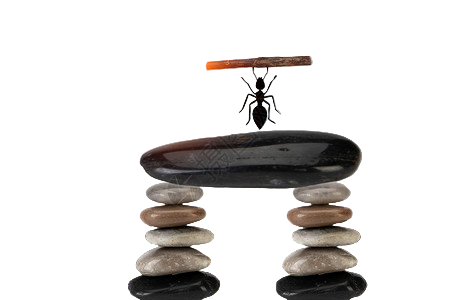
Product photo cutout in one click
Product JPEG, Basic quality
Ready to try Background Removal?
Free to start — see the pricing page for credit details.