
AI E-commerce Model Generator
Turn a product photo into on-model imagery — background removed, model generated automatically.
Overview
Turn a plain product photo into professional on-model imagery. The AI removes the product background, generates a suitable model, and composites the product onto them.
It works across categories — shoes, earrings, clothing and accessories — so a single product shot becomes a set of usable marketing images without a photoshoot.
How it works
- 1
Upload a product image
Add a clear photo of the product on any background.
- 2
Set the output resolution
Choose the resolution that fits your listing or campaign.
- 3
Generate
AI removes the background, generates a model, and produces on-model composite images.
What you can use it for
- ✦ Create on-model shots for shoes, jewelry and accessories
- ✦ Launch a product without booking a model or studio
- ✦ Produce consistent catalog imagery at scale
E-commerce Model Try-on FAQ
What does the E-commerce Model Try-on do?
It takes a product image, removes the background, generates a model, and composites the product onto them — producing on-model marketing imagery automatically.
What products does it work for?
Shoes, earrings, clothing and accessories all work. You provide the product photo and the AI handles the rest.
Do I need a model photo?
No. Unlike Virtual Try-On, this template generates the model for you from the product image alone.
Real example
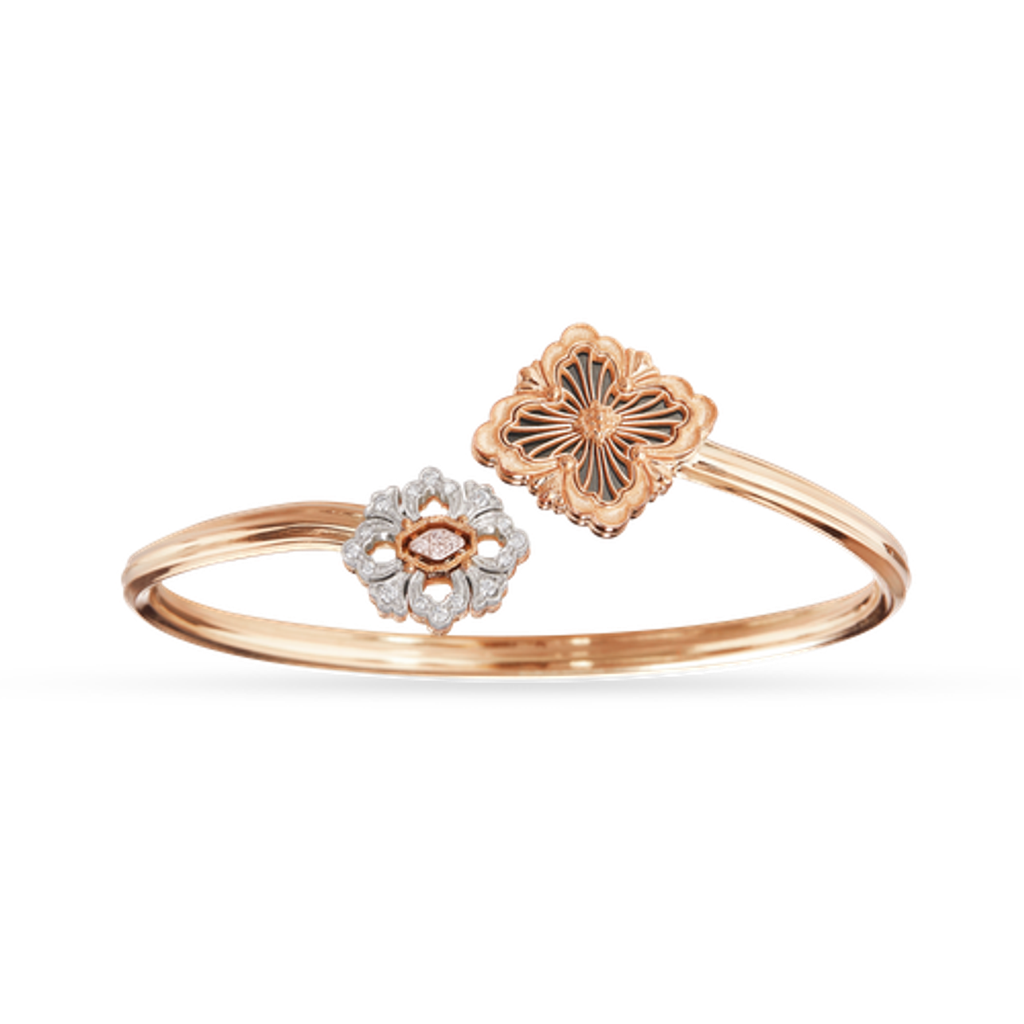
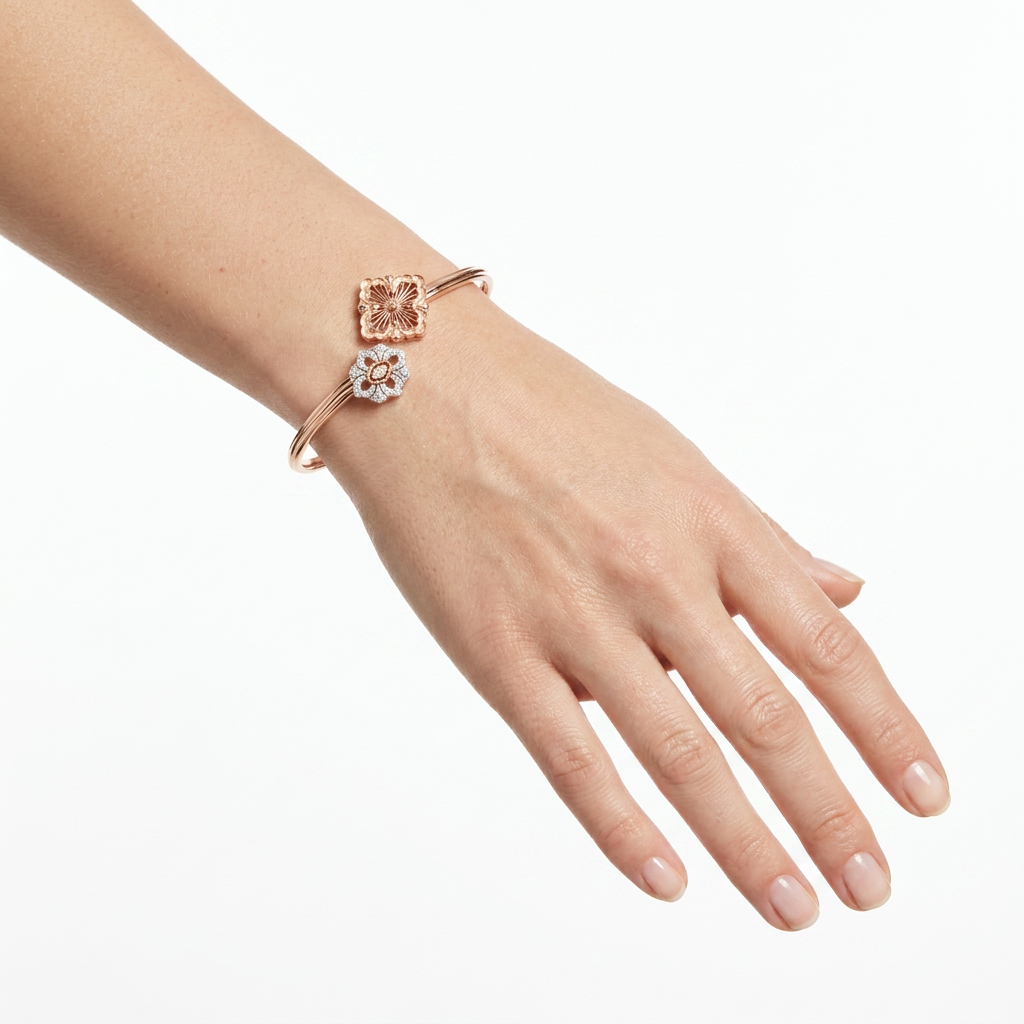
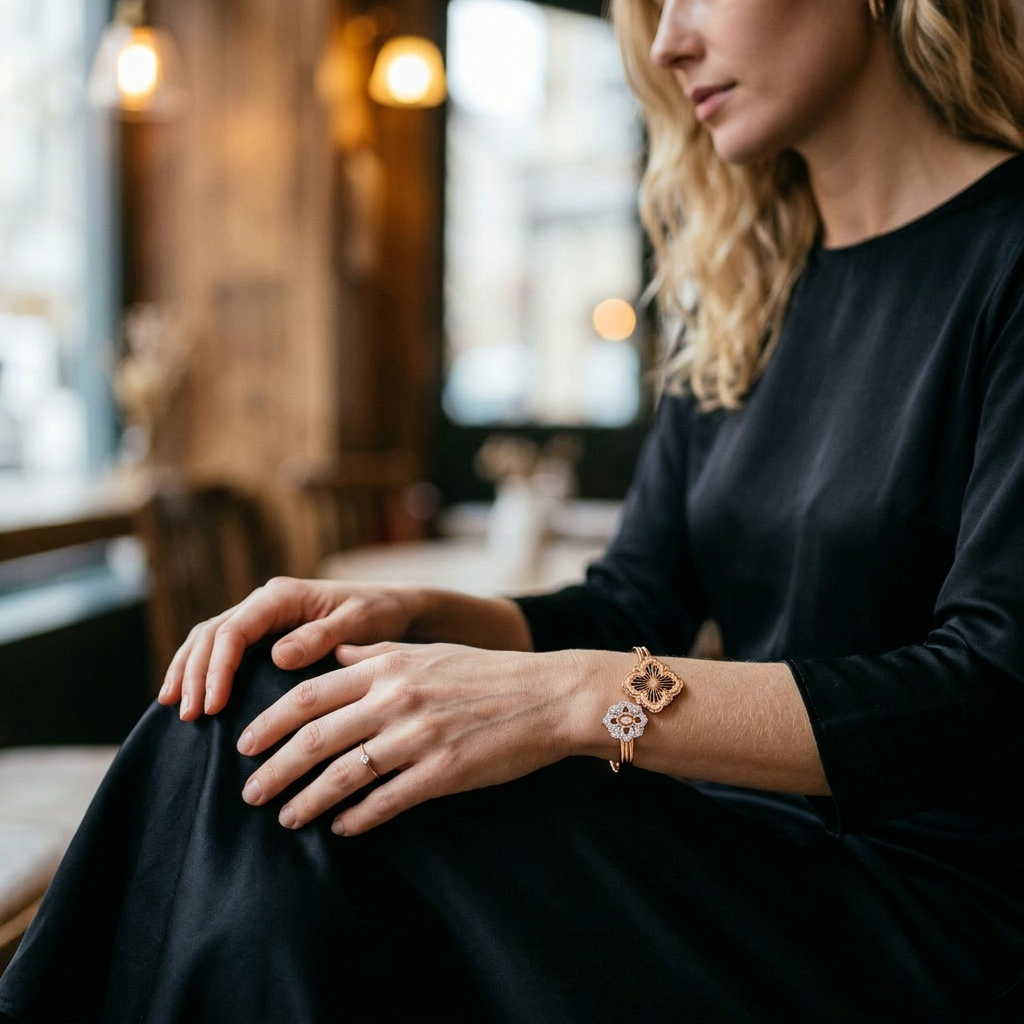
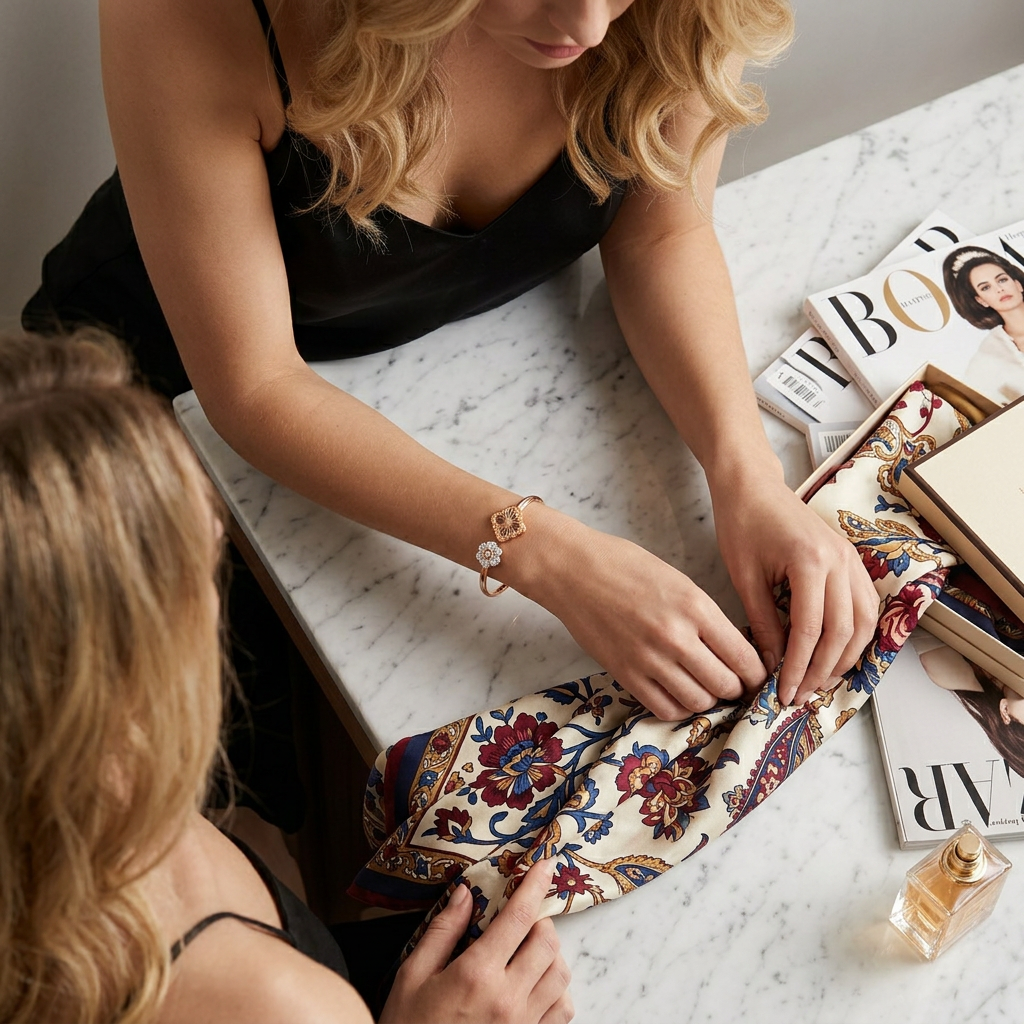
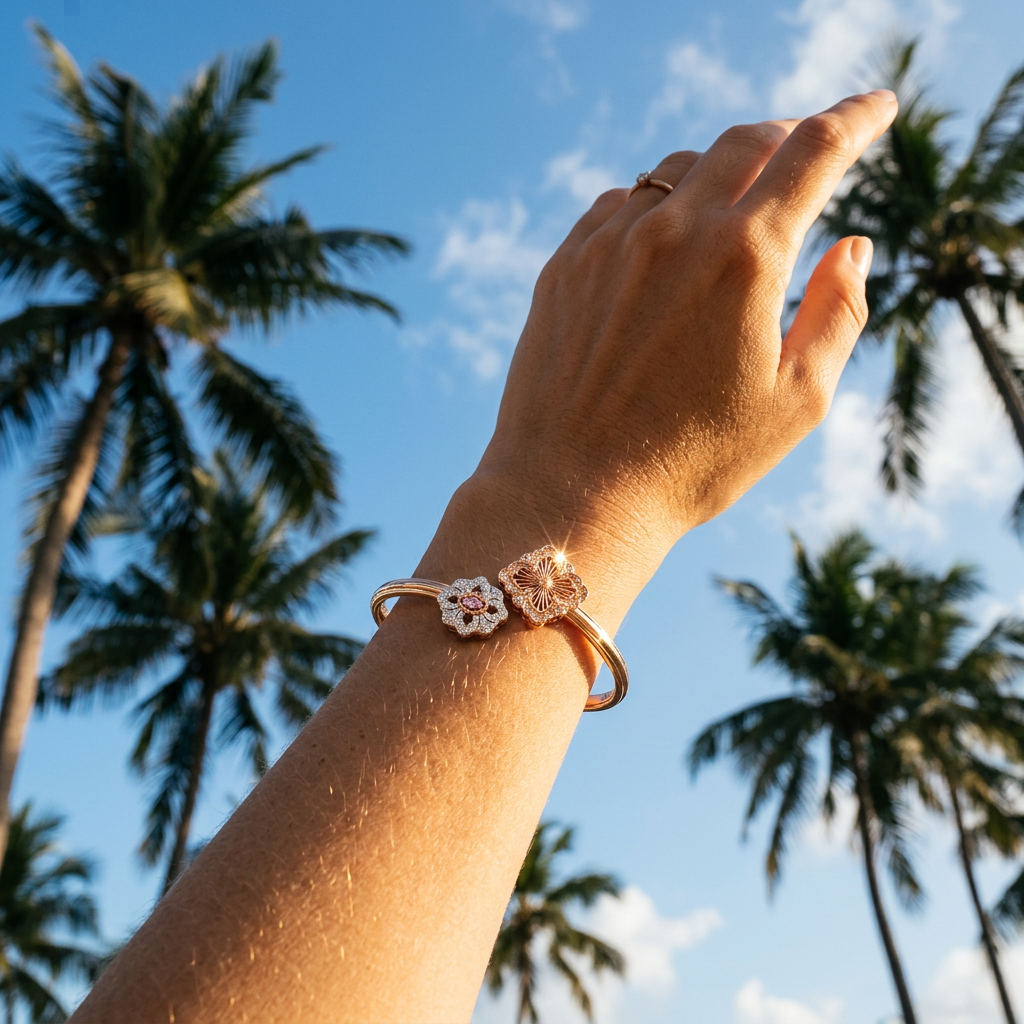
Product shot → 5 on-model composites
Single product webp photo, 1K resolution
Ready to try E-commerce Model Try-on?
Free to start — see the pricing page for credit details.
Models behind this tool
Higher fidelity with stronger prompt adherence and richer detail.
High-quality image generation by ByteDance. Minimum 2K resolution.